Every now and then you come across one of those technical problems where everything looks fairly normal, right up until you find the one detail that changes the entire investigation.
I recently came across some unusual Windows Update behaviour which initially didn’t have an obvious explanation.
The usual suspects were considered – update health, pending reboots, disk space, the patching mechanism itself, endpoint configuration, etc. Nothing immediately jumped out as the answer.
So, as is often the case when you’ve exhausted the obvious avenues, I threw the problem out to the wider MSP community.
A few useful suggestions came back, and one particular avenue was something I hadn’t been giving enough consideration:
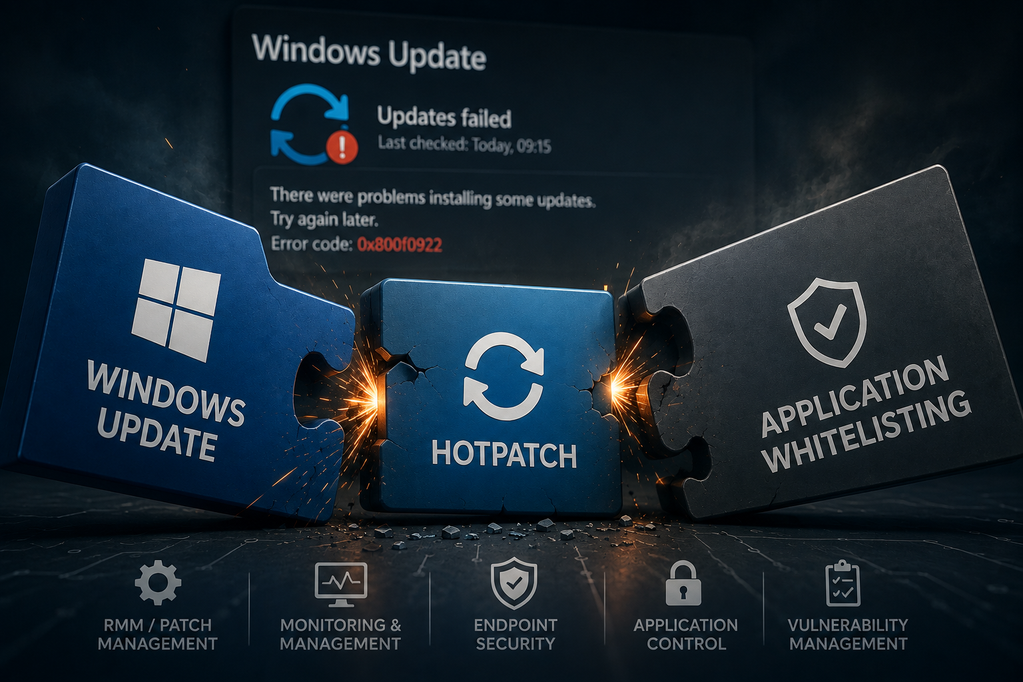
Windows Hotpatch.
That sent me down a bit of a rabbit hole.
The interesting bit about Hotpatch
Hotpatch is designed to reduce the need for traditional reboots when applying certain Windows security updates. That’s obviously a very attractive proposition from an operational perspective.
But there’s a slightly less obvious consideration when you start looking at the endpoint as a whole.
Modern Windows endpoints don’t exist in isolation.
You’ve potentially got:
- Windows Update
- Hotpatch
- an RMM platform
- application control
- endpoint security
- EDR/XDR
- vulnerability management
- various monitoring agents
…and they’re all quite reasonably trying to do their jobs.
The problem is that some of those jobs overlap.
An update mechanism may need to execute a process or modify something on the endpoint. An application-control product may quite reasonably want to verify that activity. An RMM platform may also be involved in the wider patching process.
Individually, none of that is particularly surprising.
It’s the interaction between the layers that’s worth paying attention to.
A useful thing to check
One of the pointers from the MSP community led me towards the relationship between Hotpatch and application-control policies.
In particular, if you’re using application control alongside Windows Hotpatch, it’s worth checking that your security platform has appropriate support/policies for Hotpatch.
This isn’t necessarily something you’d stumble across while troubleshooting Windows Update itself.
And that’s probably the biggest takeaway for me.
When something as fundamental as Windows Update starts behaving strangely, it’s very easy to focus entirely on Windows.
Sometimes the more useful question is:
“What else on this machine could be interacting with the update process?”
The bigger MSP lesson
This is another example of something I’ve increasingly found with modern endpoint management:
the individual products are rarely the interesting bit. The interactions between them are.
Your RMM might be working perfectly.
Your security tooling might be working perfectly.
Windows Update might be working perfectly.
And yet the combination can still produce behaviour that makes you wonder whether you’ve accidentally angered the IT gods.
As MSPs, we’re increasingly managing layers upon layers of automation and security controls. Understanding those interactions is becoming just as important as knowing how to configure each individual product.
And, occasionally, when you’ve spent long enough staring at an update failure and wondering what on earth is going on…
…asking a bunch of other IT people on the internet turns out to be the fastest diagnostic tool available. 😂