There are some IT mistakes you forget with time.
And then there are the ones that stay with you forever because they were so small, so avoidable, and yet somehow managed to set half the environment on fire.
This is one of those.
Back when I worked in IT in education, we had a fairly substantial Windows estate. From memory it was built around Windows Server 2008, or possibly 2008 R2, with a sizeable Active Directory domain and several hundred Windows devices spread across the school. Sitting over the top of that was RM Community Connect 3, which made day-to-day management easier in the way only education platforms can: by solving a number of problems while quietly introducing a few of their own.
Most of the environment was straightforward enough by school standards. Windows clients, domain logons, shared drives, roaming profiles, all the usual moving parts that kept teaching staff functional and students just about contained.
Then there was the Art department.
Like a lot of school art departments at the time, it had its own little Apple island in the middle of an otherwise Microsoft-heavy network. The goal was simple enough: let students log into the Macs using their normal Active Directory credentials and give them access to the same shared storage and work areas they used everywhere else.
Reasonable objective. Sensible idea. Famous last words.
By that point, Apple’s Xserve had already been discontinued, and the route forward on Apple’s side was increasingly centred around the Mac mini and Lion-era server tooling. Apple updated the Mac mini in July 2011, and that generation’s documentation explicitly references Lion Server setup, which lines up neatly with the sort of deployment we were attempting.
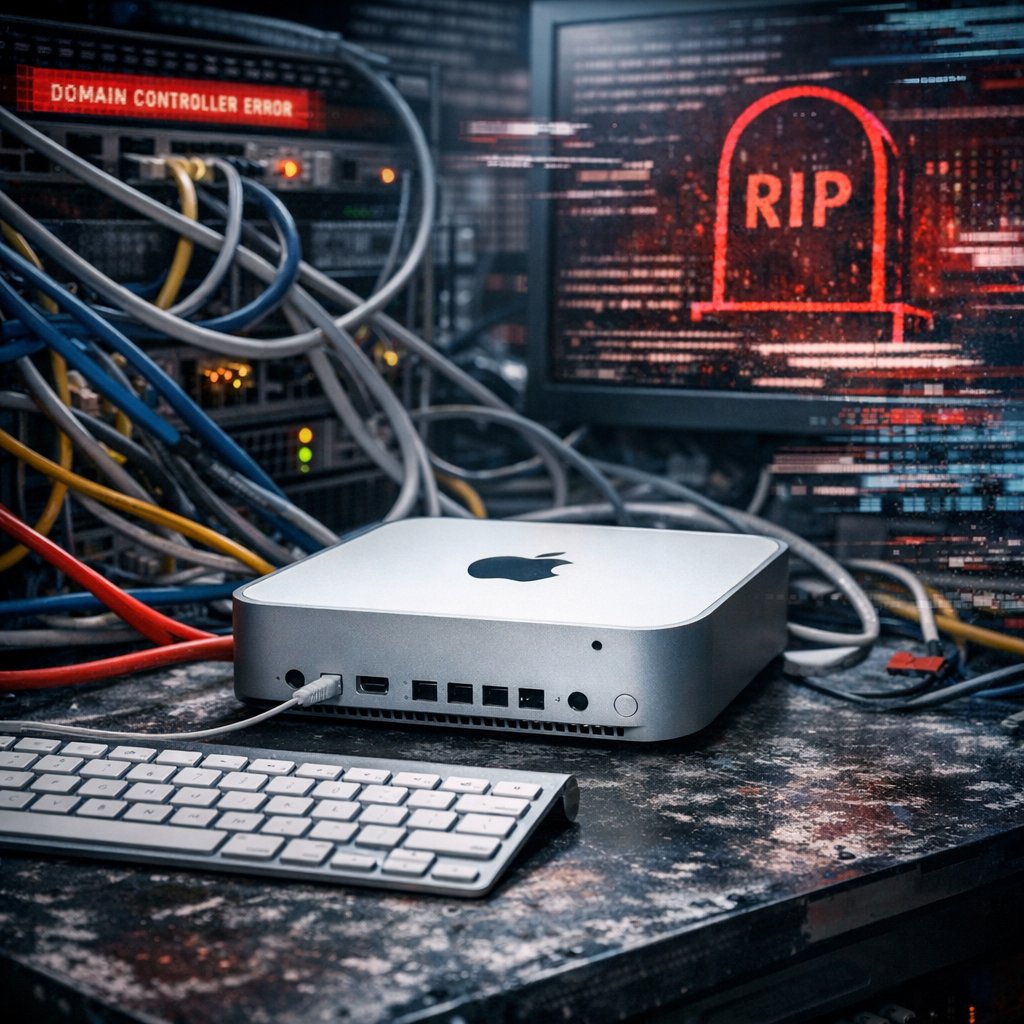
So we bought a Mac mini Server with the aim of integrating those Macs more cleanly into the wider environment.
On paper, this was one of those projects that sounds satisfyingly tidy. Introduce the server, hook the Macs into directory services properly, let students authenticate with their normal accounts, map the right shares, job done. Everyone wins, and IT gets to feel briefly competent.
The device arrived, we began setting it up, and for a short while everything looked perfectly normal.
Then the calls started.
Users around the school began reporting that they could not log on. Other people were seeing strange, inconsistent behaviour. Random things were breaking in random places. The sort of issue pattern that is much worse than one big obvious failure, because at least a big obvious failure has the decency to be honest about it.
We stopped what we were doing with the Mac server and switched into investigation mode.
At first, nothing made much sense.
Active Directory replication was intermittently failing. DNS resolution was inconsistent. Client trust relationships were beginning to break. Systems that should have been predictable were behaving as though somebody had swapped the network out overnight for a haunted replica built from leftover cables and bad intentions.
The symptoms did not point cleanly to one thing. They just radiated unease.
Eventually, we brought in RM Support.
To be fair to them, they were as baffled as we were to begin with. This was not one of those moments where the third party rocks up, glances at one event log, and immediately asks whether you have tried not breaking it. They had to dig as well.
And then the situation became properly alarming.
At some point in that investigation, logs began indicating that our primary domain controller had tombstoned.
That is not a phrase you ever want to hear casually mentioned in the middle of a school day.
Especially not when logons are failing, trust relationships are wobbling, DNS is acting drunk, and you are trying to work out whether you are dealing with one issue, five issues, or the technological equivalent of a sinkhole.
So we stepped back and asked the most important question in troubleshooting:
What changed?
And the answer, of course, was the thing we had only just introduced.
The new Mac server.
After a lot more digging, the root cause finally emerged.
During setup, we had misunderstood one of the fields we were being asked to complete. We believed we were entering the hostname of the existing domain controller as a reference point for the configuration.
We were not.
What we had actually done was assign the new Mac OS X Server the exact same hostname as our primary domain controller.
Yes. Really.
In one gloriously bad input error, we had introduced a second system into the environment claiming the identity of the primary DC.
Which, as it turns out, Active Directory, DNS, replication, and general network sanity are not especially keen on.
Once we found it, the mistake felt almost insulting in its simplicity. No obscure bug. No impossible edge case. No vendor defect hiding in a knowledge base article from 2009 that only appears if Mercury is in retrograde.
Just the wrong value in the wrong field.
That was all it took.
Unfortunately, “finding the mistake” and “cleaning up the fallout” were not the same thing.
Untangling the damage took several days. The environment was not life-or-death critical in the grand scheme of things, but it was critical enough that widespread authentication and directory weirdness caused plenty of disruption. And because the symptoms had spread in such a messy, inconsistent way, the recovery was not a simple case of flipping one setting back and calling it done.
It was one of those incidents where the actual cause, once known, sounded laughably small compared to the scale of the impact.
Those are the dangerous ones.
Because they tempt you to think of names, labels, and setup fields as administrative details rather than core infrastructure decisions. But in identity systems, directory services, and DNS, naming is not cosmetic. It is foundational.
Get it wrong, and weird things happen.
Get it spectacularly wrong, and you get an object lesson in why “close enough” has no place anywhere near authentication infrastructure.
That incident stuck with me for years, not because the technology itself was especially modern or elegant, but because the lesson absolutely still applies.
Always double-check the fields you are completing during setup.
Then check them again.
Do not assume the wording means what you think it means. Do not rely on muscle memory. Do not skim past names, hostnames, domains, IPs, or anything that defines identity in a networked environment. Those are exactly the values that can turn a routine deployment into a multi-day clean-up exercise.
Infrastructure failures are not always born from dramatic hardware faults or sophisticated software defects. Quite often, they begin with one entirely ordinary human mistake entered confidently into a box that looked self-explanatory.
And those are the ones that bite hardest.
What I Took From It
The specific platforms in this story are very much of their time. Windows Server 2008 and 2008 R2 are long out of support, and the whole Xserve-to-Mac-mini-server era now feels like a historical reenactment for sysadmins.
But the core lesson has aged perfectly well.
Hostnames matter. DNS matters. Identity matters. Small setup mistakes can have very large blast radiuses. And the more fundamental the service, the less forgiving the environment tends to be.
Or, put less politely:
if you accidentally give a new server the same name as your domain controller, the network may choose violence.
Closing Thought
I do not remember every ticket I ever worked on in education IT.
I do remember this one.
Mostly because it was such a perfect demonstration that the line between “planned integration project” and “why is the whole estate behaving like cursed middleware?” can be one misunderstood field in a setup wizard.
And once you have lived through that, you become a lot more respectful of every box you fill in afterwards.